HPAI · Finished tutorial example
Small desk reset: a finished Instagram carousel
This is a preview of the design, not a published Instagram post.
The complete campaign
Caption
A desk does not have to be empty to be useful. Start with room for your main task, keep everyday tools close and route loose cables out of the way. Then test the arrangement. Which small change would help your desk most? Save this for your next reset. Images are AI-generated illustrations of the ideas, not photographs of a real makeover.
Read every slide as text
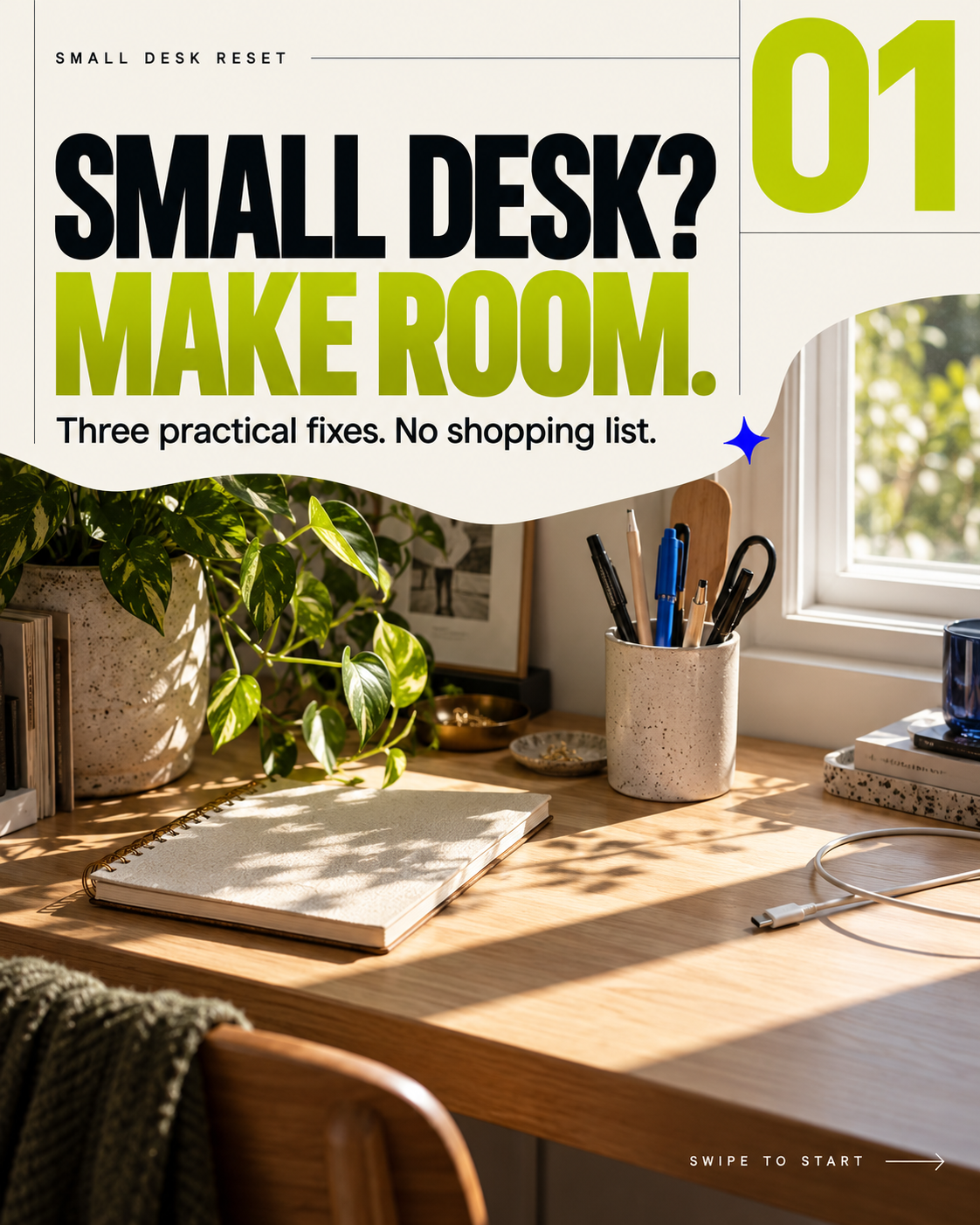
1. SMALL DESK? MAKE ROOM.
Three practical fixes. No shopping list.
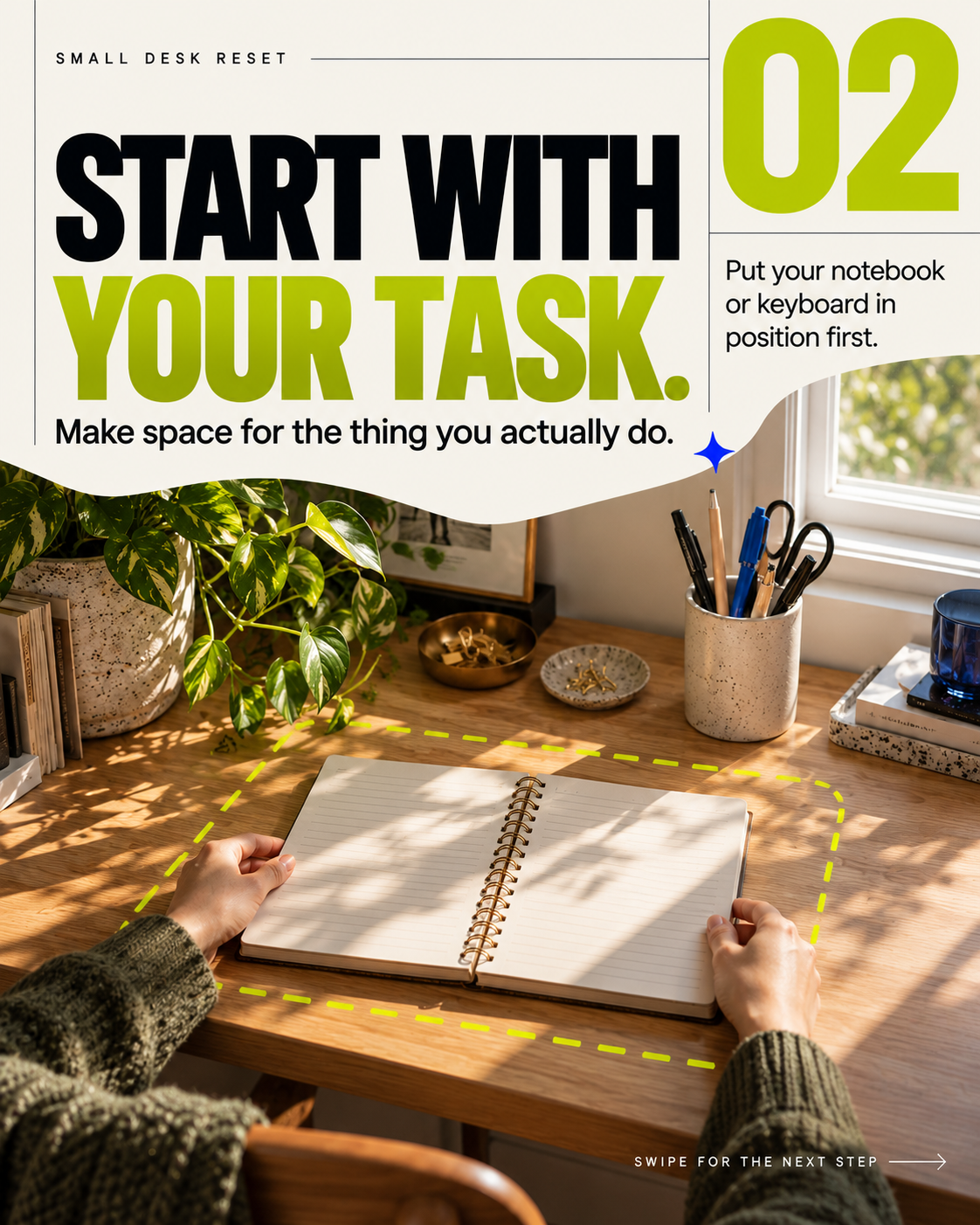
2. START WITH YOUR TASK.
Make space for the thing you actually do. Put your notebook or keyboard in position first.
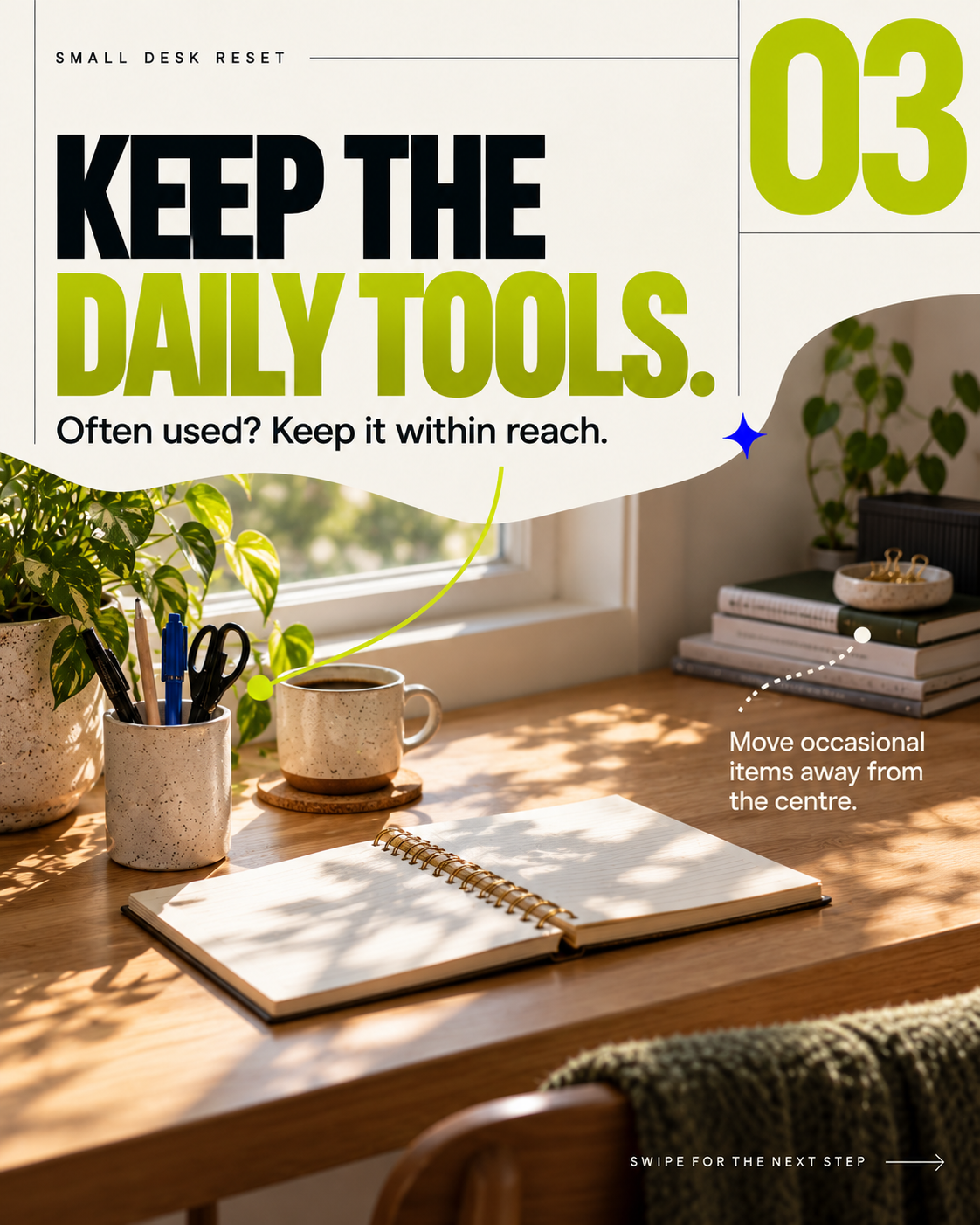
3. KEEP THE DAILY TOOLS.
Often used? Keep it within reach. Move occasional items away from the centre.
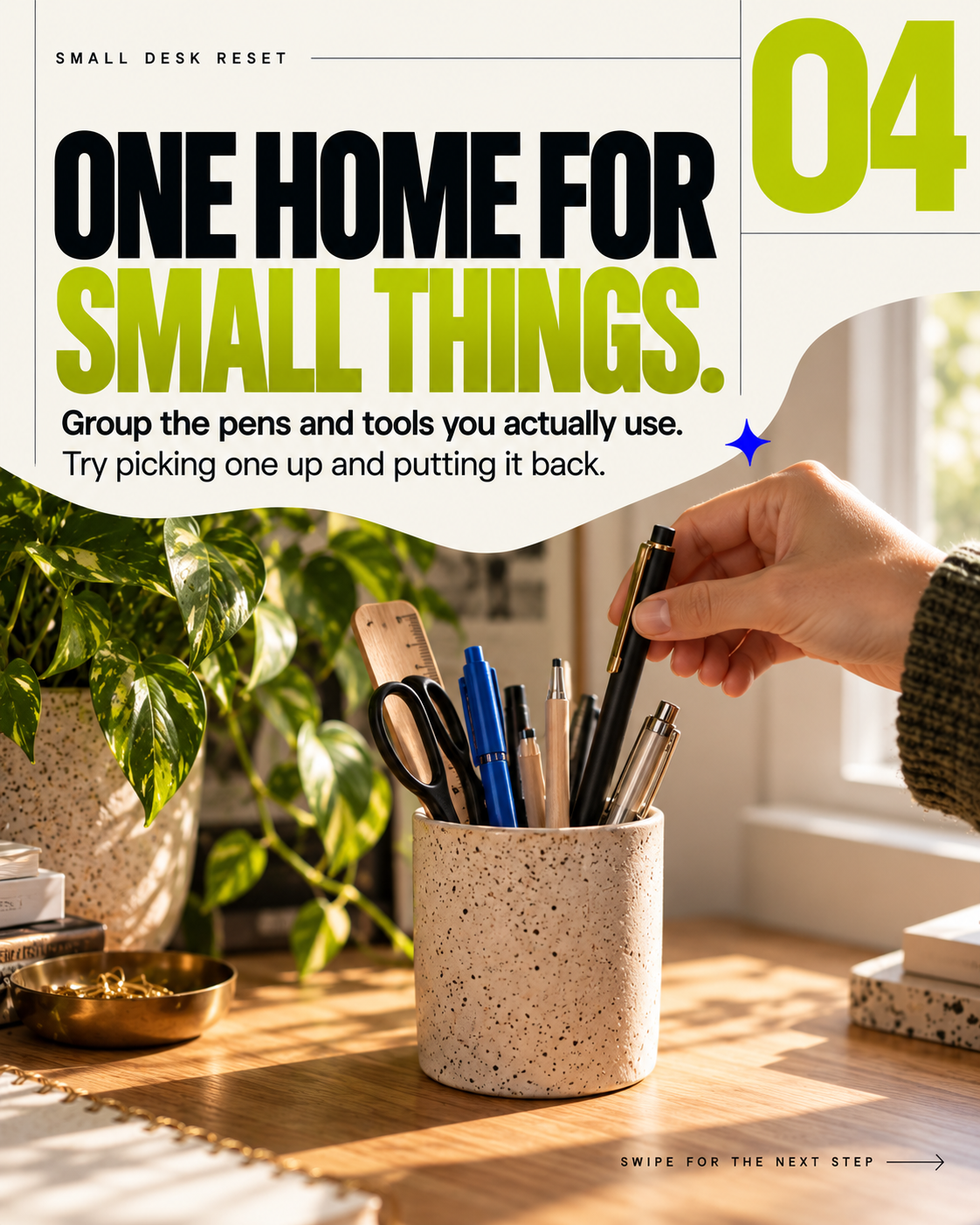
4. ONE HOME FOR SMALL THINGS.
Group the pens and tools you actually use. Try picking one up and putting it back.
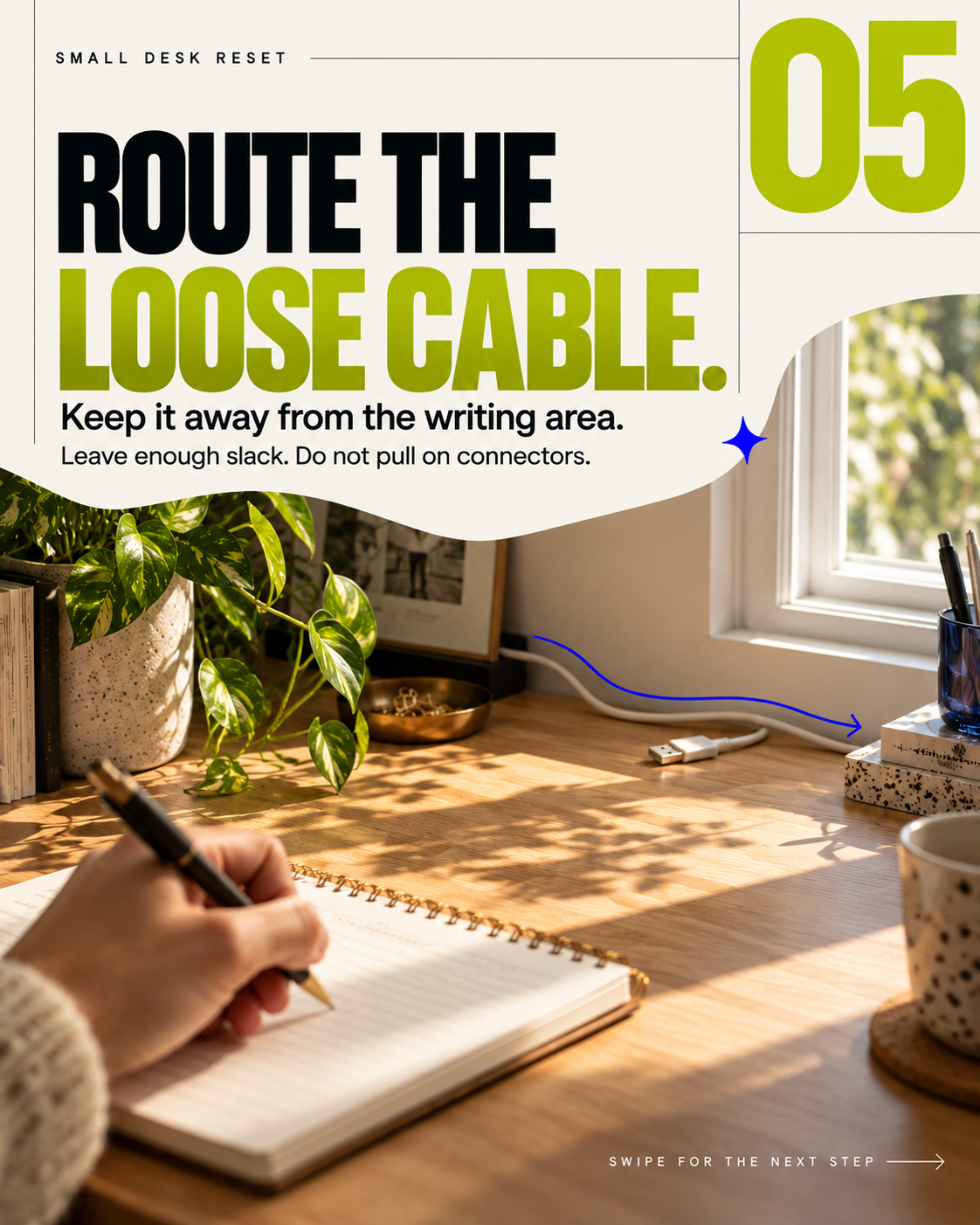
5. ROUTE THE LOOSE CABLE.
Keep it away from the writing area. Leave enough slack. Do not pull on connectors.
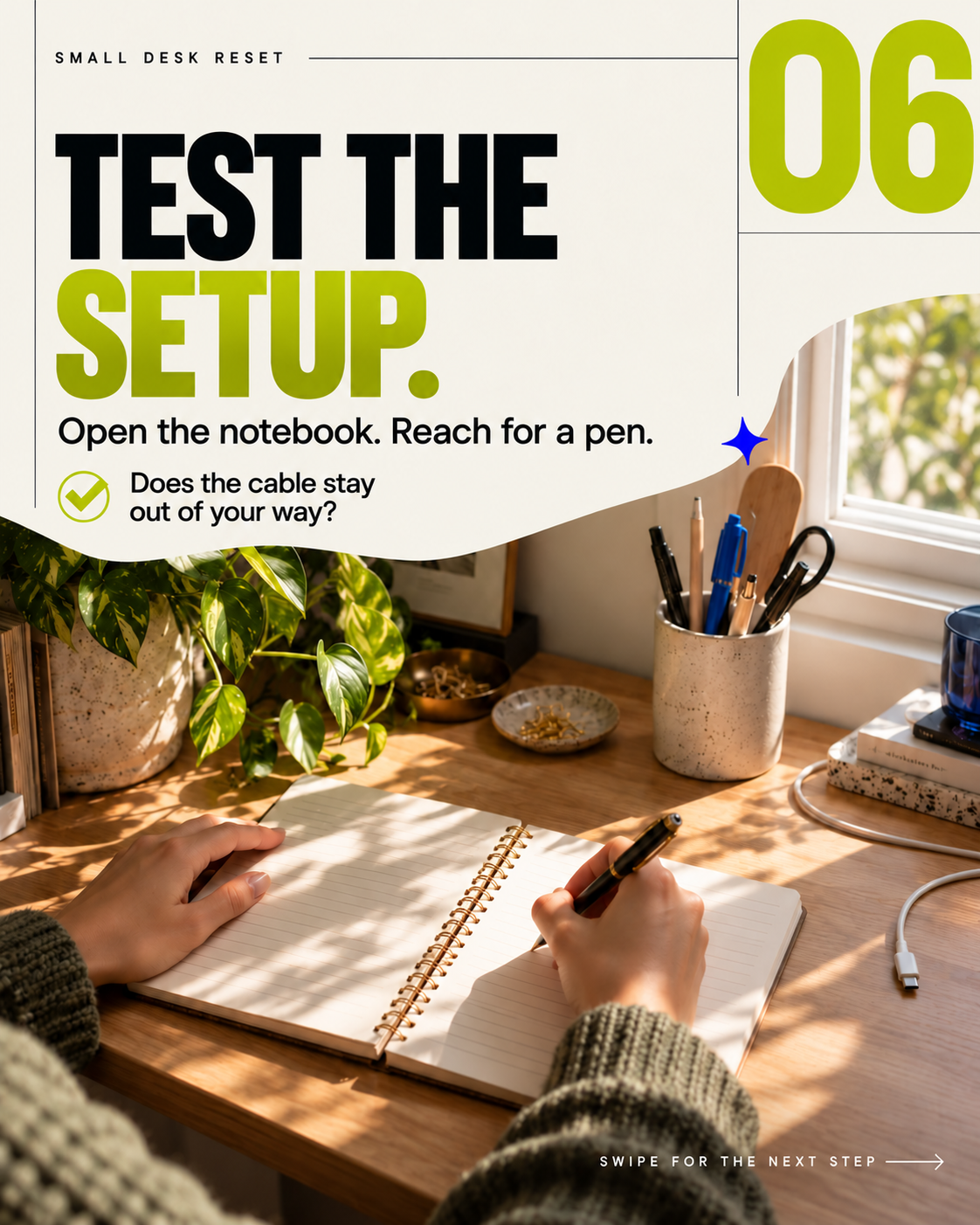
6. TEST THE SETUP.
Open the notebook. Reach for a pen. Does the cable stay out of your way?
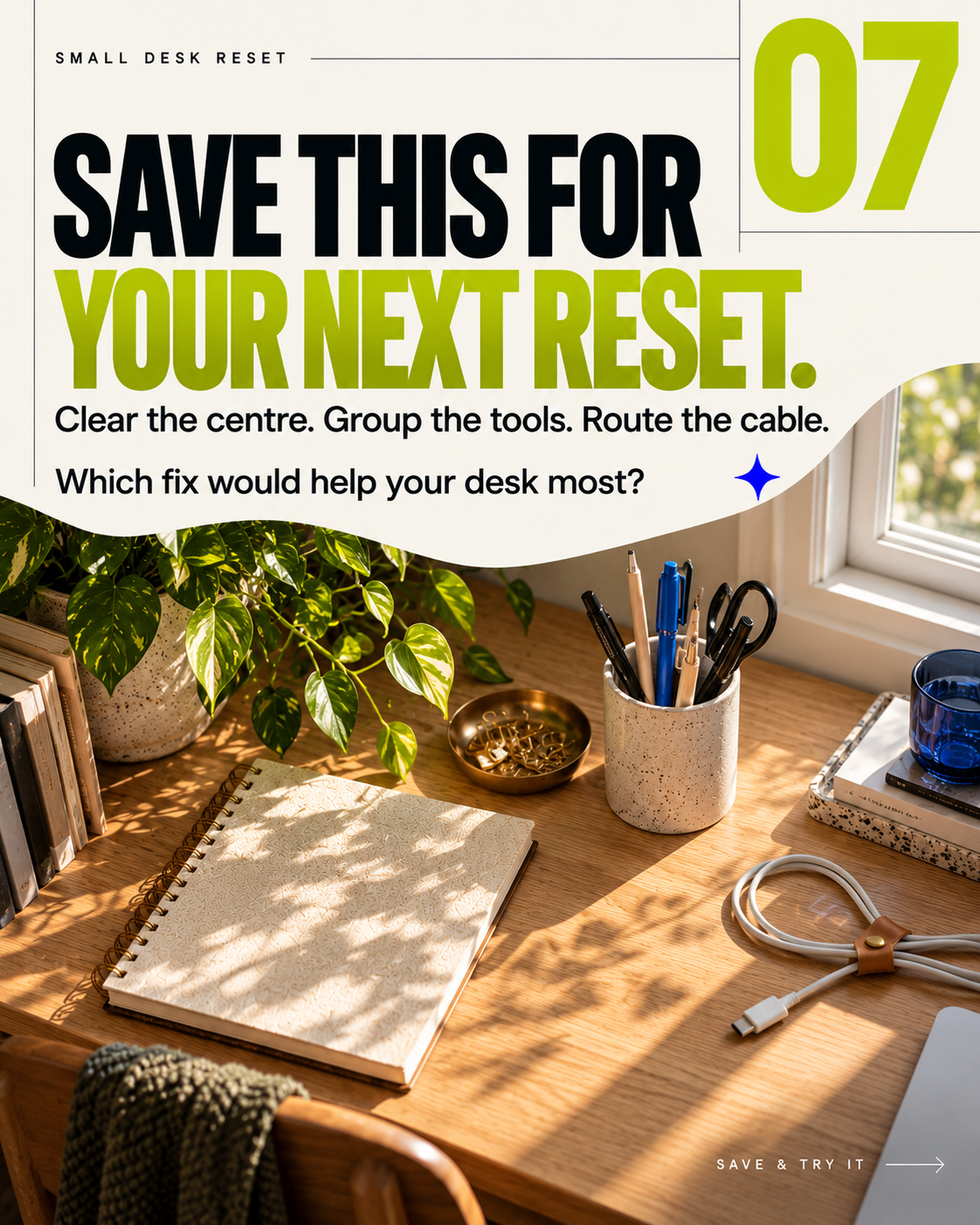
7. SAVE THIS FOR YOUR NEXT RESET.
Clear the centre. Group the tools. Route the cable. Which fix would help your desk most?